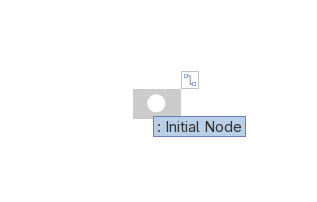
I started making activity diagrams today, but to my surprise, all initial nodes and activity final nodes I make have a white background by default.
The problem is that this means that initial nodes are invisible, and final nodes appear as a single ring instead of the dot-with-ring.
You can change the background of the item to black and this fixes this problem, but this has to be done manually each time.
I feel like I am doing something wrong. Is there someone that can help me with a workaround? I do not recall having this problem years ago when I used this program the last time.
I verified that this problem also occurs when creating a new blank project.